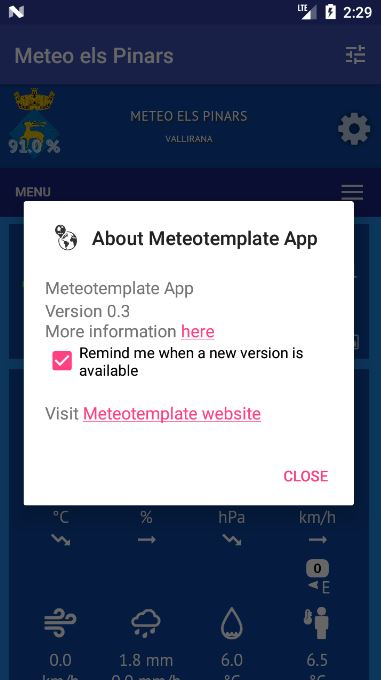
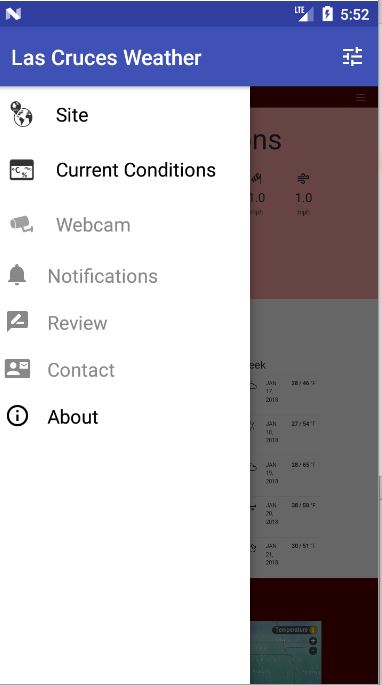
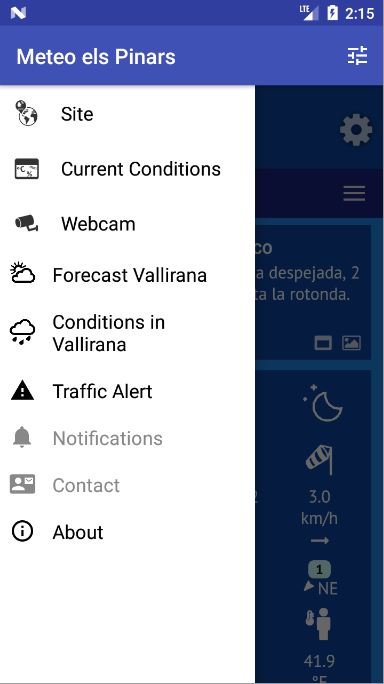
Version 0.4 is here !
You can download it from the
app page
With version 0.4, you can configure up to 3 blocks that will be accessible from the left menu of the app.
Any block already installed on your site can be added but not all may work correctly. Please
report if you find blocks that do not work in the app.
First step is obviously to download the
version 0.4 of the plugin <--- IMPORTANT!
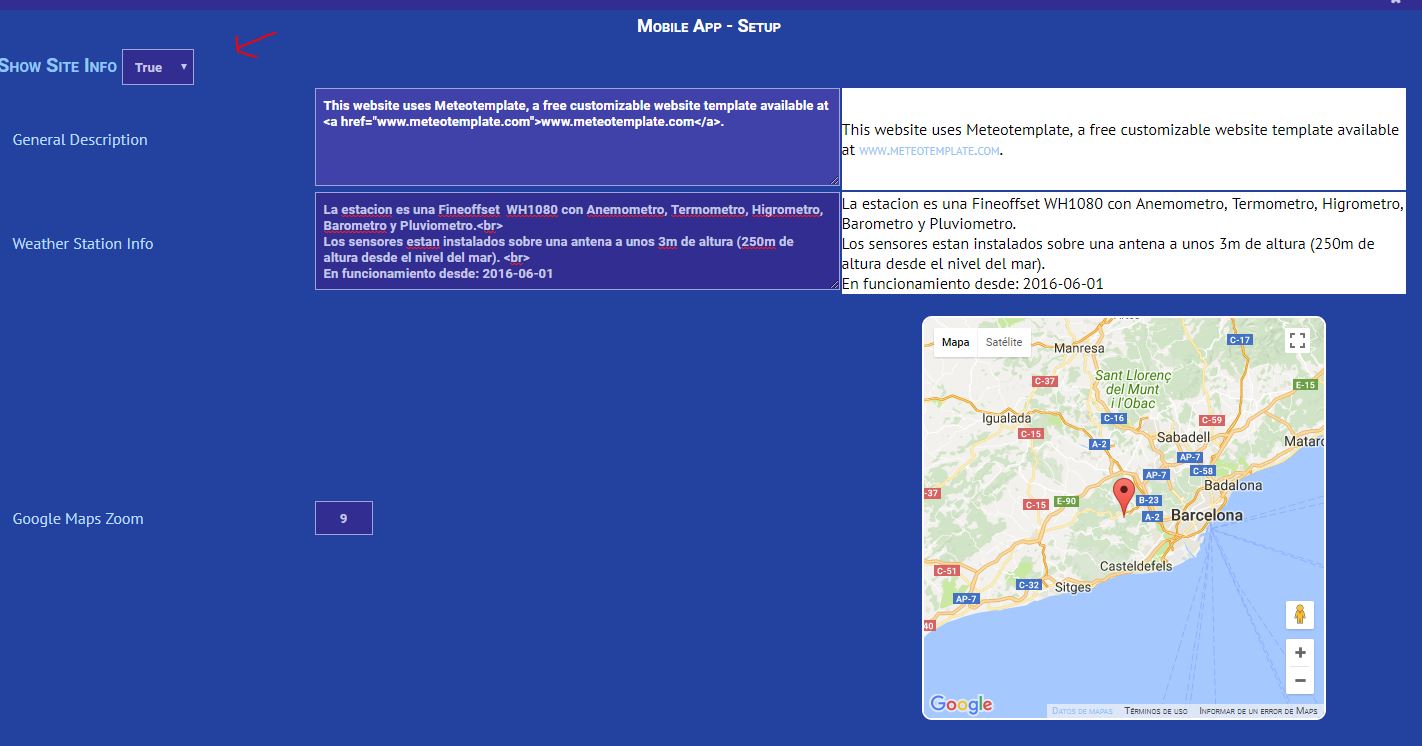
From there, you can enable/disable left menu options :
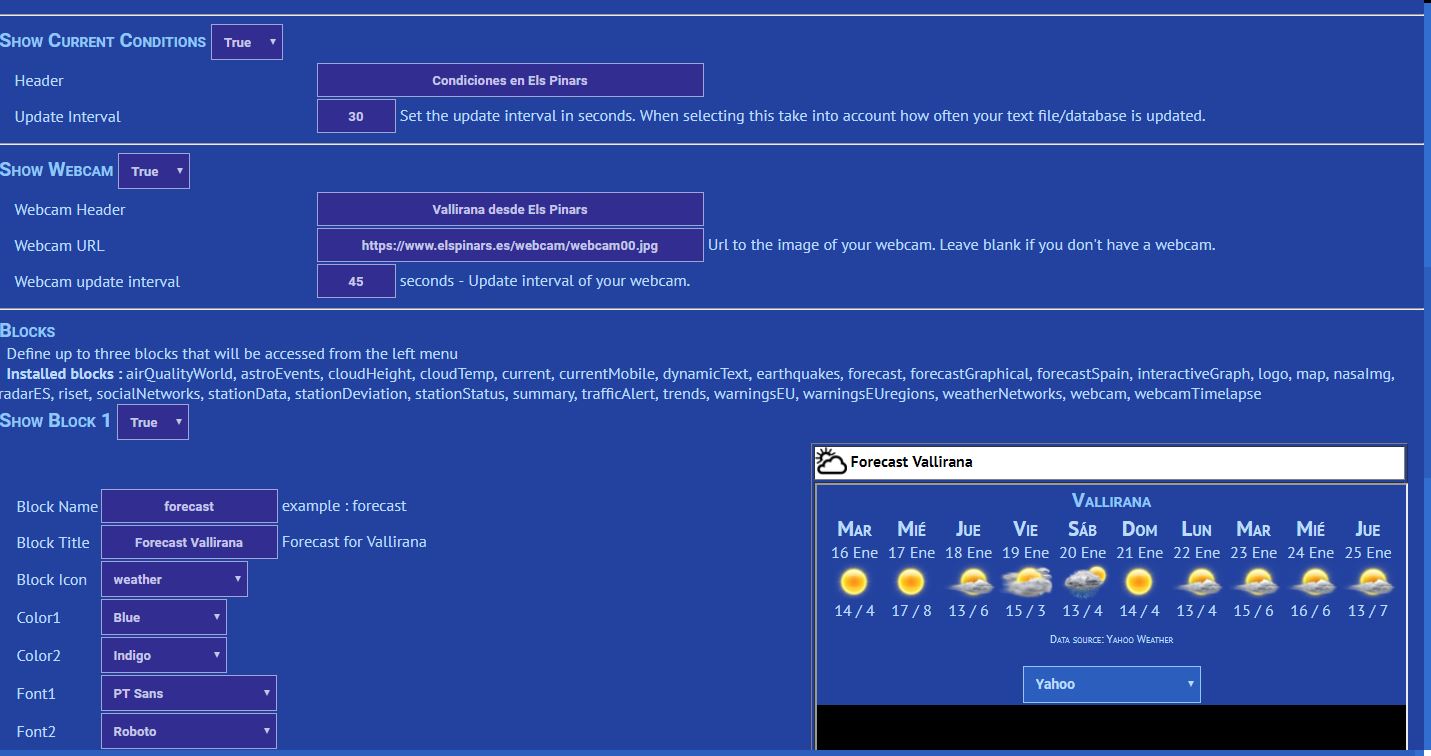
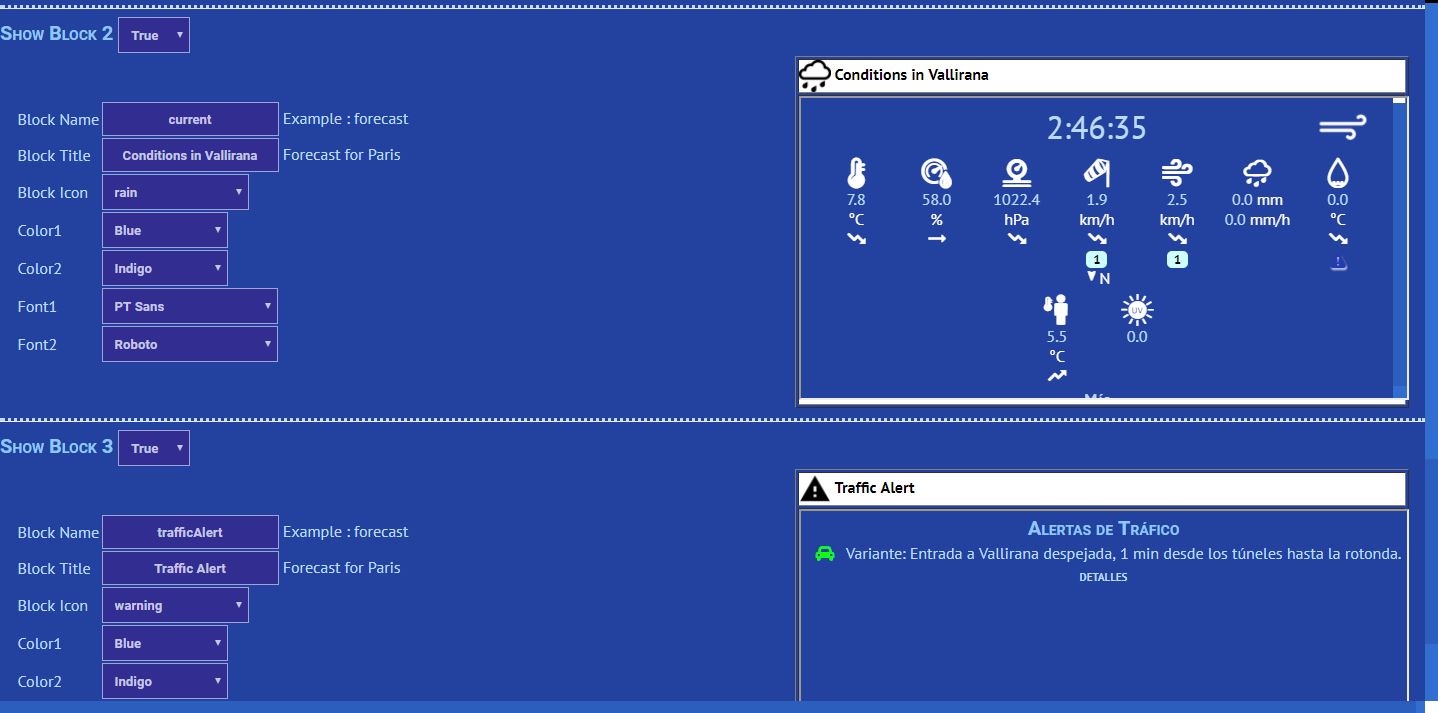
When configuring the blocks, the final resultis shown on the right side.
Note that the Block Name field must match exactly the name of an existing block on your side.
If you want to assign your own icon to a block, just add it to your icons folder and it should appear in the list.
The blocks you configure will appear on the menu on the left :
https://www.elspinars.es/imgs/forum/app0.4-01.JPG
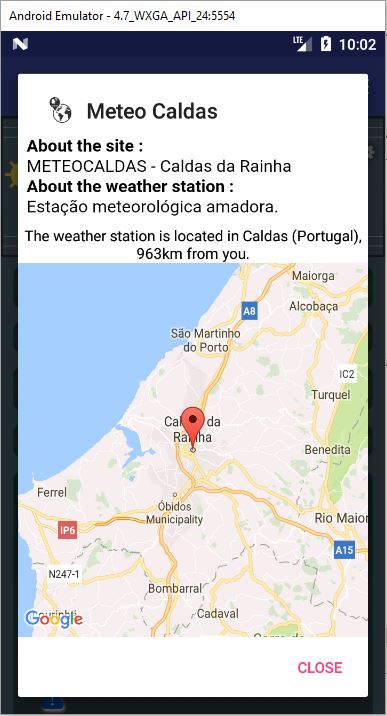
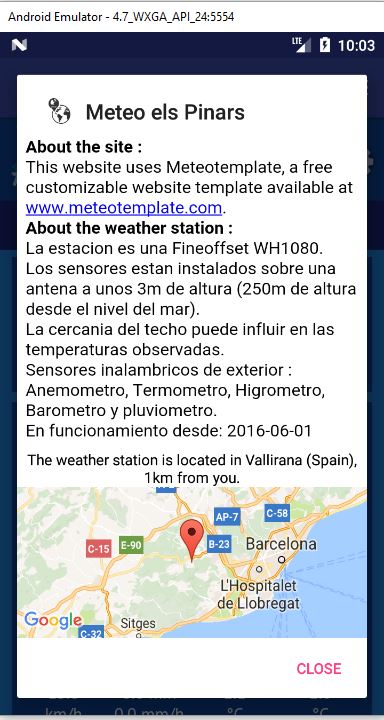
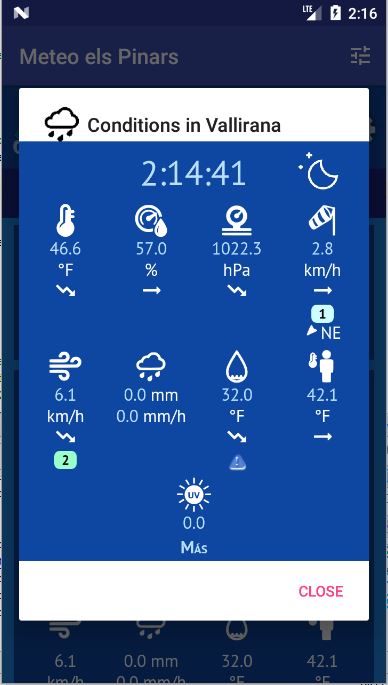
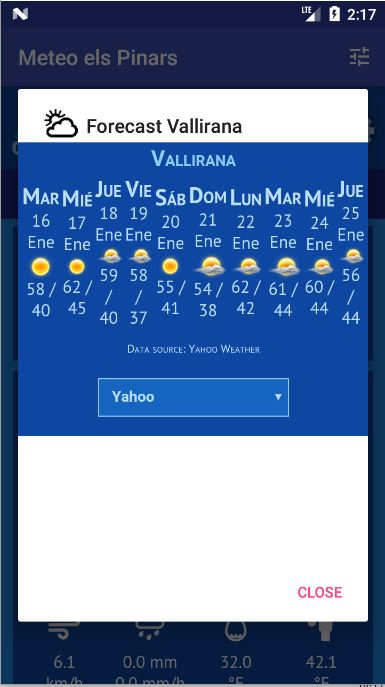
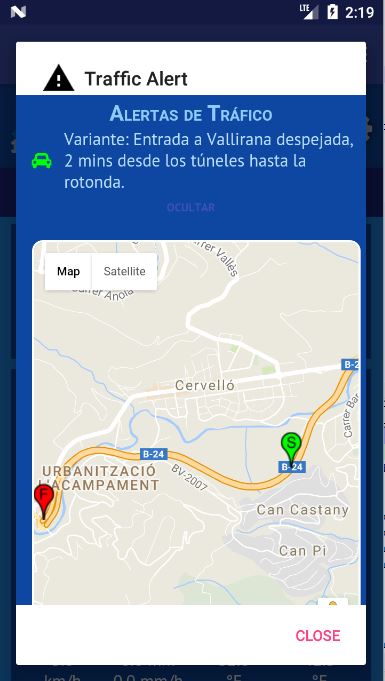
Then you can access each of them individually. The content of the block will load in the corresponding dialog :
As usual, please
report any bug/issue you may face and share your comments.
Cheers,
Pol-Brieuc