Prepare your Meteotemplate data
Back up your Meteotemplate website and weather database before starting any migration.
Meteotemplate inspired a generation of personal weather websites. WS40 carries that spirit forward with a familiar approach to weather data, direct Meteotemplate history import, two real dashboards, Network and Community — all built for WordPress.
Explore before you decide · Runs on WordPress
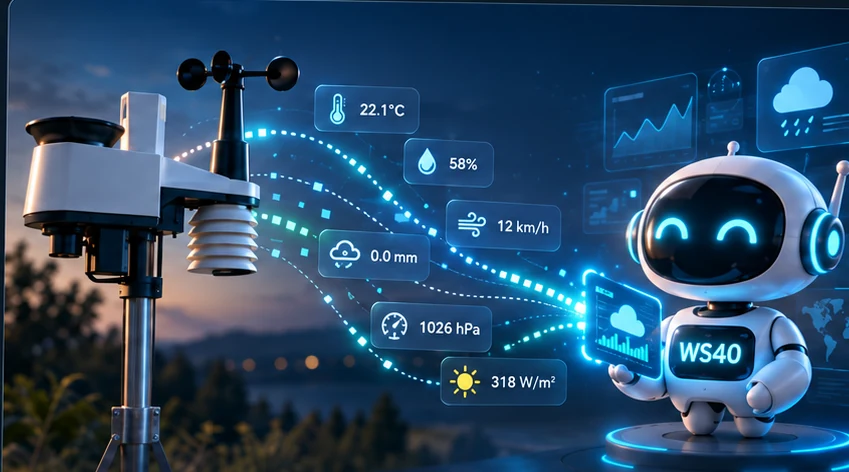
Stations that moved to WS40 already share their weather on one public map, updated every 5 minutes. Put yours next to them — free or Premium.
On WordPress.org. Live data, Table View, weather widget and the WS40 Network.
Download free ↗Consolle, HUD, charts, Meteotemplate history import, every source. 30-day free trial.
Start your free trial ↗From a familiar, data-rich weather console to a sleek heads-up display. These are screenshots of the actual WS40 templates — not generic renders.
A complete weather overview designed for people who enjoy their data: graphs, forecasts, webcam, gauges, maps and detailed measurements.
A dark, high-contrast dashboard for a crisp reading of key conditions, short-term trends and forecasts.
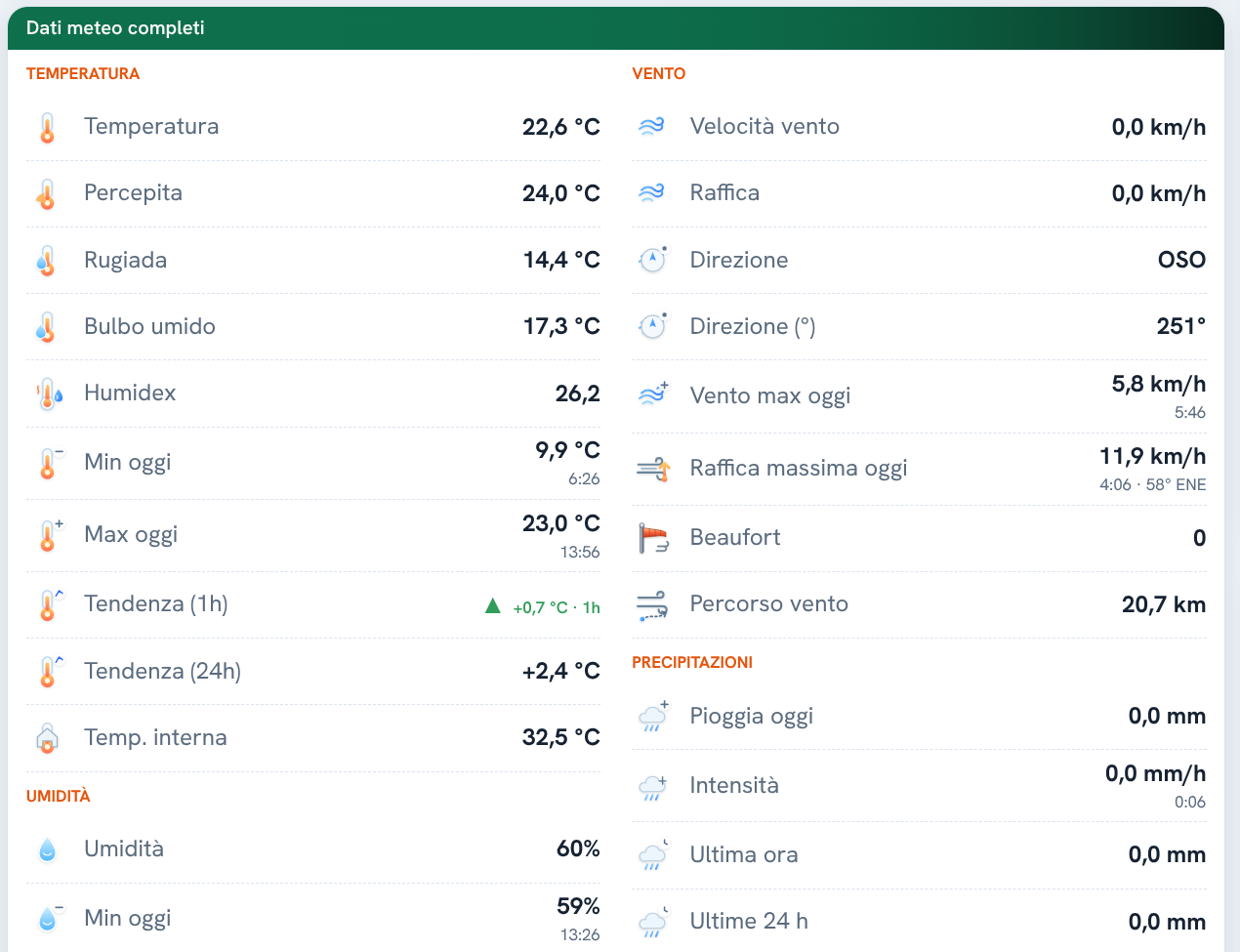
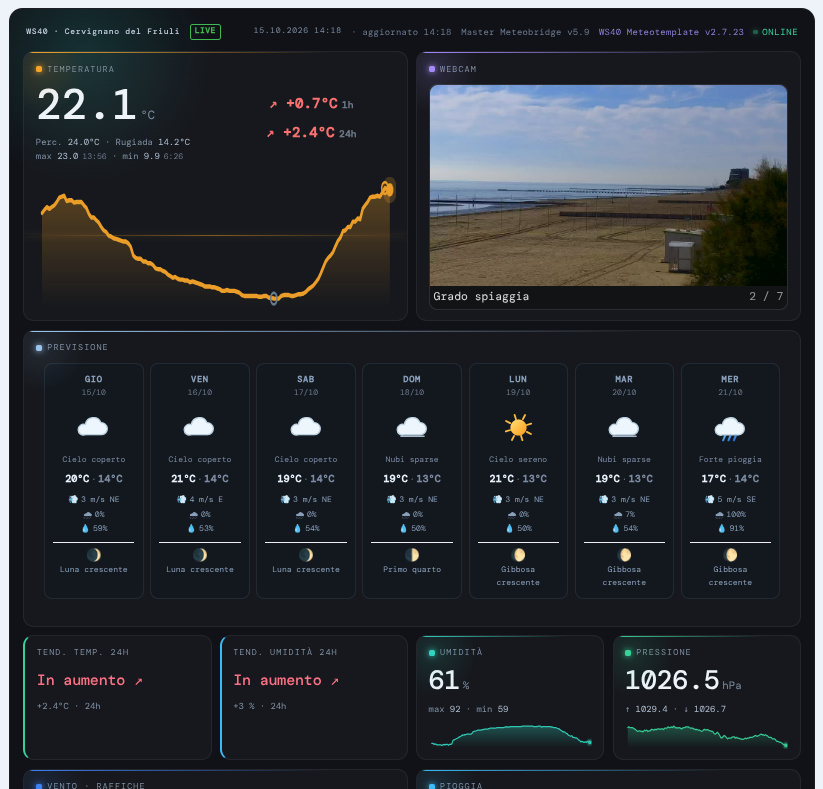
Built around a familiar philosophy of personal weather publishing, WS40 imports Meteotemplate database CSV exports (alldata and alldataExtra) without manually changing their column layout. Keep your years of records and give them a new home on WordPress.
Back up your Meteotemplate website and weather database before starting any migration.
Install WS40 on a compatible WordPress site and configure your station data source.
Import alldata first, followed by alldataExtra for indoor, UV and sunshine readings. Review the imported records against your backup.
Already using Meteobridge or Meteotemplate API? Explore WS40 data input options before changing your setup. Migration depends on your source, formats and configuration.
Explore WS40 connectivity ↗Features confirmed in the WS40 v2.7.36 documentation. Some capabilities require Premium, additional hardware, external services or separate configuration.
Import CSV exports from alldata and alldataExtra directly. Historical import runs in batches; duplicates are skipped.
Documented integrations include Meteobridge, Cumulus/CumulusMX, Weather Display, wview, Push API, Davis WeatherLink API v2 and Ecowitt.net API v3.
Multiple input formatsAdd WS40 views to WordPress pages with shortcodes and use Anna Weather as a separately configured WordPress theme.
WordPress + shortcodesUse local webcam galleries with the free feature. Remote webcams, public endpoints and Rolling Cam are Premium options.
Free + Premium optionsOpt in per station with the free plugin or Premium. Publish current weather readings on a public map without uploading your historical archive or exact coordinates.
Free + Premium · opt-inAirQuality Monitor supports PM1, PM2.5 and PM10 with EEA classification when a compatible sensor and integration are present.
Premium + compatible sensorFeatures and requirements are based on the supplied WS40 documentation v2.7.36. Check your source format, hosting and license before migrating.
Keep your weather station at the center — and discover the people and stations around it.
Premium users can opt in, station by station, to the public WS40 Network map. Only current readings are transmitted, and station coordinates are rounded to protect precise location.
Explore WS40 Network ↗Meet weather enthusiasts, exchange experiences, ask questions and share ideas as you grow your weather site.
Visit WS40 Community ↗Explore the real WS40 weather site, then try WS40 on your own WordPress installation.
Answers about preserving your Meteotemplate records and getting started with WS40.
WS40 is an independent WordPress plugin inspired by Meteotemplate, not an official update of the original software. It continues the same passion for personal weather publishing, supports familiar workflows and can import Meteotemplate history.
Yes. Export alldata and, if applicable, alldataExtra as CSV from your existing Meteotemplate database. WS40 recognizes both formats without manual conversion. Import alldata first, then alldataExtra; keep a backup and verify the result.
Supported WS40 inputs include Meteobridge templates, Cumulus/CumulusMX realtime.txt, Weather Display clientraw.txt, wview, WS40 Push API, Davis WeatherLink API v2 and Ecowitt.net API v3. Availability depends on your station and configuration.
WS40 Network is a Premium feature. Participation is off by default: you choose whether to publish each station. Only current weather readings are shared, not the full history or exact station coordinates.
Yes. WS40 runs as a WordPress solution; you need compatible WordPress hosting to install it.
Use the Consolle/HUD tabs above for authentic screenshots, or visit the linked live weather website to explore a working installation.
Visit the WS40 Community or consult the official documentation to learn about migration and configuration.
Meteotemplate gave weather enthusiasts a way to share their skies and preserve years of observations. WS40 is an independent project inspired by that experience, helping the community take its data, creativity and curiosity into the future.