Page 1 of 1
How do I secure my Meteotemplate site? (https)
Posted: Tue May 12, 2020 10:04 am
by WessexWeather
Hi all,
I tried this a year or so ago and gave up after experiencing some errors within the template.
Has anyone managed to secure their site, with everything working properly, and if so can someone talk me through how do do it successfully?
Re: How do I secure my Meteotemplate site? (https)
Posted: Sat May 16, 2020 1:08 pm
by EveshamWeather
Hi,
I am not seeing any load problems with my site (
https://eveshamweather.co.uk). I just use the LetsEncrypt option my host (Krystal) provides for free certificates. The only thing I did was to get the certificate issued with wildcards enabled in the cpanel options.
Re: How do I secure my Meteotemplate site? (https)
Posted: Sat May 16, 2020 1:58 pm
by WessexWeather
Hi Vince,
Many thanks for the reply. I don’t believe my host (Jolt) issues LetsEncrypt certificates as a package, but wish it did. I tried setting up a LetsEncrypt certificate manually, which I couldn’t get to work properly, and Cloudflare which was even worse. I’ll try and contact my host and see if they can help.
Re: How do I secure my Meteotemplate site? (https)
Posted: Sat May 16, 2020 5:32 pm
by EveshamWeather
There are quite a few hosts that are trying to maintain their certificate sales by not allowing LetsEncrypt. Unfortunately, since the certificate needs to be installed on the server, if they don't provide an interface to do this, then I don't believe you can install it yourself. I have been lucky as Krystal do offer it, in fact it is one of their selling points.
I also found Cloudflare was unusable as the data changes regularly and the free Cloudflare package cached data for too long - at least that was my experience a couple of years ago when I last tried it.
Re: How do I secure my Meteotemplate site? (https)
Posted: Wed May 27, 2020 1:35 pm
by Csbull
I've been having the same problem. I can only use the flexible option with Cloudflare as that is what my host's free plan allows. Unfortunately, that messed up all the css and other necessary files. I tried turning development mode on, and changing the setup.php path from http to https with no success.
EDIT: My website actually loads fine on Chrome with the flexible option, but not on Safari. First image is Safari, second is Chrome.
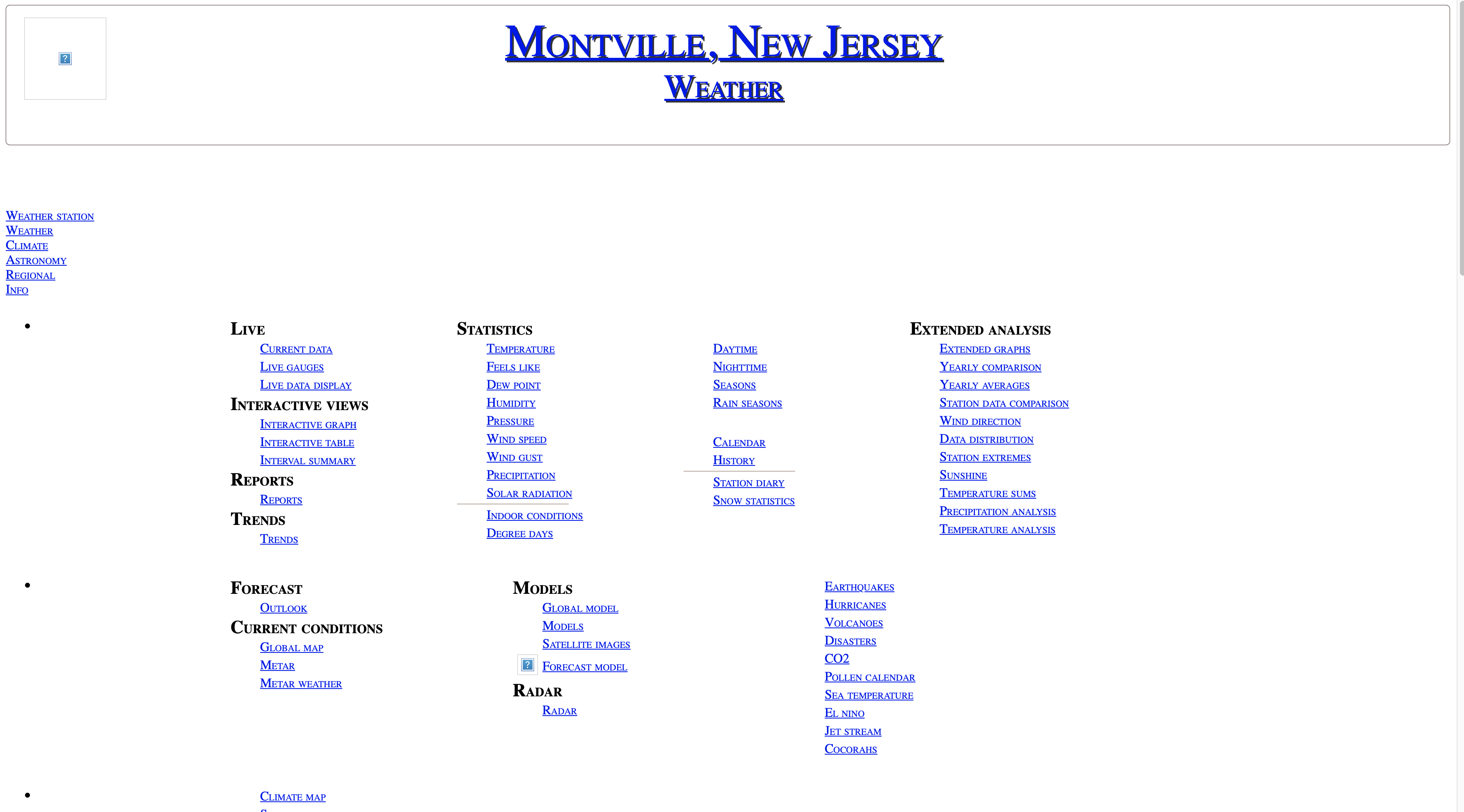
- Safari
- Screen Shot 2020-05-27 at 9.58.46 AM.png (486.05 KiB) Viewed 13937 times
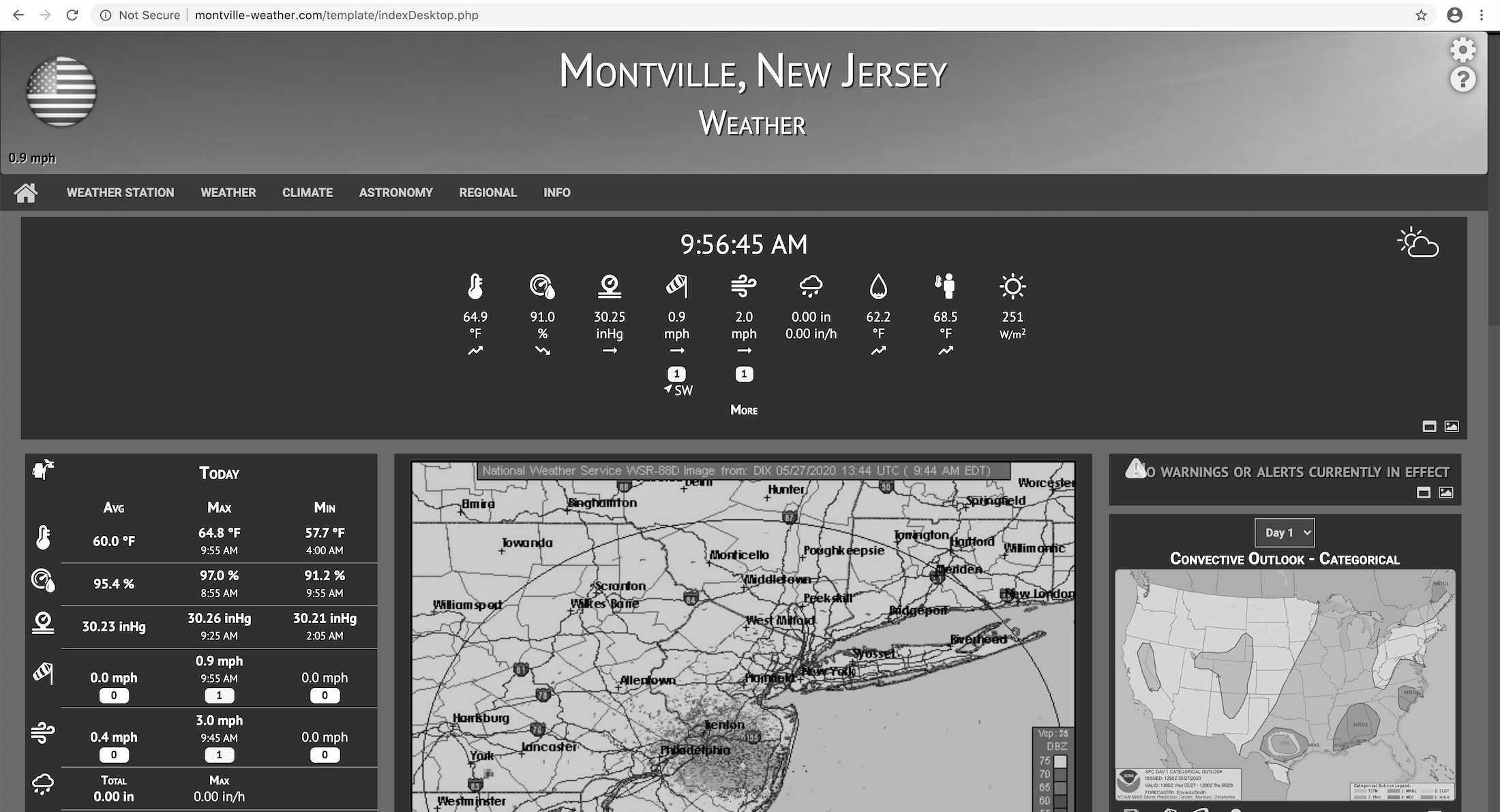
- Chrome
- Screen Shot 2020-05-27 at 9.58.32 AM.png (811.27 KiB) Viewed 13937 times
Re: How do I secure my Meteotemplate site? (https)
Posted: Wed May 27, 2020 3:24 pm
by Csbull
I got Cloudflare working properly now. I had the path set incorrectly on the setup.php page. It had the "https://", but I needed to remove "
www." in order to get the website to display correctly and get rid of the Error 404 messages.
Re: How do I secure my Meteotemplate site? (https)
Posted: Thu May 28, 2020 10:59 am
by WessexWeather
Csbull wrote: ↑Wed May 27, 2020 3:24 pm
I got Cloudflare working properly now. I had the path set incorrectly on the setup.php page. It had the "https://", but I needed to remove "
www." in order to get the website to display correctly and get rid of the Error 404 messages.
Are you sure it’s working flawlessly? I thought Cloudflare’s slow caching caused problems with live sites like ours?
Re: How do I secure my Meteotemplate site? (https)
Posted: Sun Jun 07, 2020 1:07 am
by MJW
I can't really help with the https part, but thought I'd say hi from a fellow NJ Meteotemplate user.
http://weather.westfamilynj.net/meteo
Mike
Re: How do I secure my Meteotemplate site? (https)
Posted: Mon Jun 08, 2020 11:13 pm
by Csbull
WessexWeather wrote: ↑Thu May 28, 2020 10:59 am
Csbull wrote: ↑Wed May 27, 2020 3:24 pm
I got Cloudflare working properly now. I had the path set incorrectly on the setup.php page. It had the "https://", but I needed to remove "
www." in order to get the website to display correctly and get rid of the Error 404 messages.
Are you sure it’s working flawlessly? I thought Cloudflare’s slow caching caused problems with live sites like ours?
Sorry for such a late response, but it seems to be working great with my site so far. The current conditions block updates without needing to be refreshed. I have my Meteobridge send updates every minute, so I don't know what it does in shorter intervals than that. The database is operating correctly and the website gets the data and displays the data just fine.
The only problem I am noticing is the fact that some blocks and plugins have urls written using http instead of https. The lock in the url bar does not display on a few pages because of the http urls. I actually updated a few of the blocks to https with websites that are capable and the lock appeared for a couple pages that previously did not. A few websites still don't support https, so I do have a page or two that is still not completely secure.
Re: How do I secure my Meteotemplate site? (https)
Posted: Tue Jun 09, 2020 7:33 am
by WessexWeather
I have also given Cloudflare another try, and like you it seems to be working perfectly.
I’ve ensured any insecure blocks are hidden in Menu Blocks so that when the page first displays it is secure. It’s only when you open those blocks that the padlock disappears.
How did you manage to secure the insecure blocks? I only have three I believe.
The other thing I had to do was to exclude my webcam image from caching on Cloudflare as it wasn’t being updated every 5 minutes as it should, but my data automatically refreshes every 10 seconds as it should.
Finally my email didn’t work in Cloudflare, which is common, and I had to change some DNS settings to get it working. There’s lots in Google about this.
Re: How do I secure my Meteotemplate site? (https)
Posted: Tue Jun 09, 2020 3:41 pm
by Csbull
I went into the Blocks folder and the Plugins folder and found the blocks and plugins that were insecure. I changed the urls found in the script from http to https through my file manager. I checked to make sure that those websites supported https first before updating the blocks/plugins. I know the lightning block from Blitzortung.org is http only as well as the snowUSStations Plugin. Those two are the only ones I can't update.
I updated the following blocks successfully:
and the following plugins: