Page 1 of 1
radarUS Block not working 100%
Posted: Mon Oct 24, 2022 11:17 pm
by cw3beck
***Resolved***
Good afternoon,
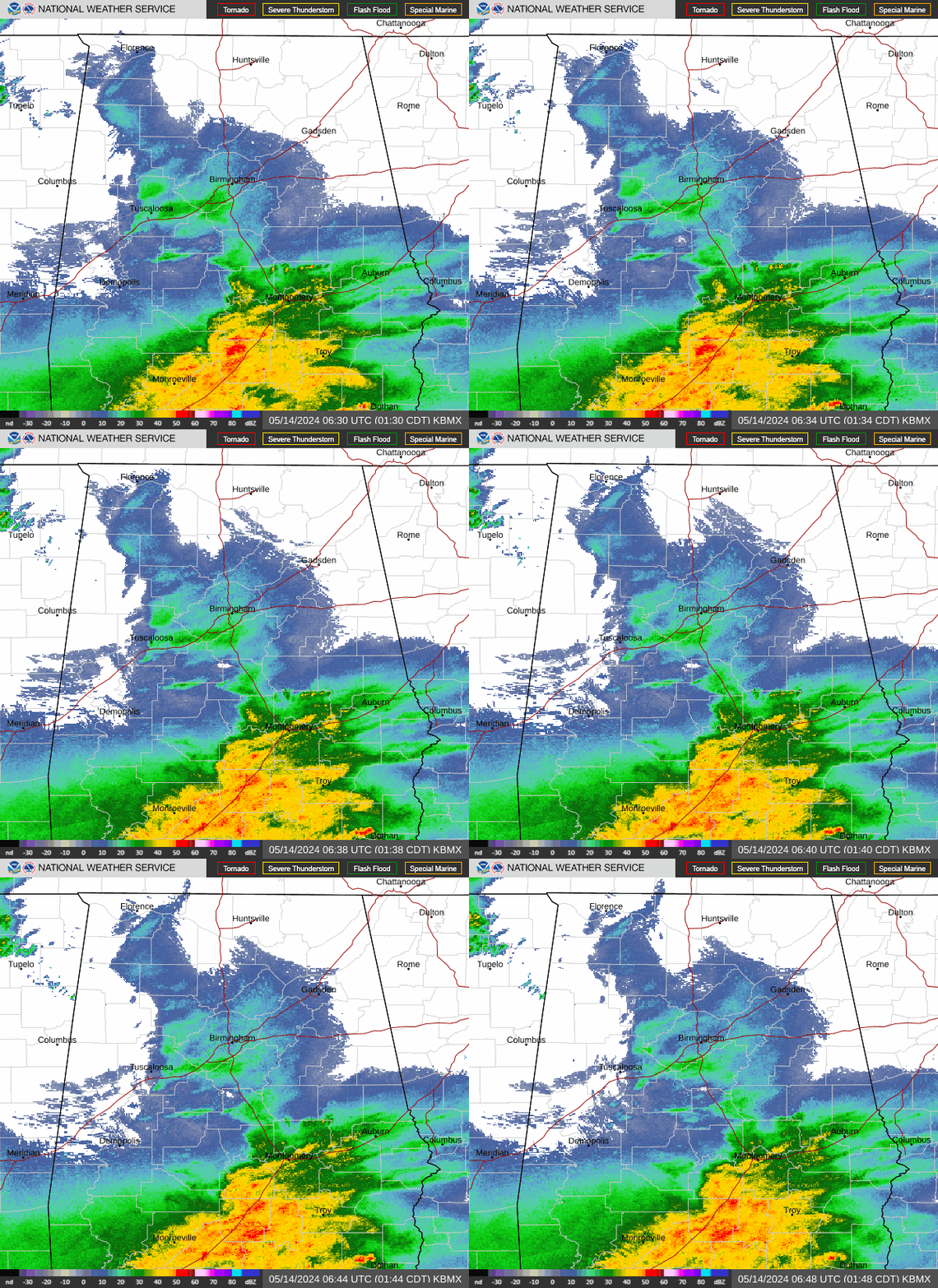
I know there have been some problems with WeatherUnderground's services over the months and I wonder whether this is the case with my instance of this block (see attached snipit).
I noticed that when I went to download a fresh instance of it from the MT Block Download page, the demo showed the same problem. Are there any known workarounds that I could test out on my website? Thanks in advance.
http://eaglerisingwx.homeserver.com/plu ... banner_big
http://eaglerisingwx.homeserver.com/indexDesktop.php
Re: radarUS Block not working 100%
Posted: Tue Oct 25, 2022 9:48 am
by rogers
Same problem on my site. It's an issue with a change at the NWS site? It tries to load but never completes. I am still using an older version of php on my site.
Re: radarUS Block not working 100%
Posted: Tue Oct 25, 2022 9:15 pm
by andyk1
One of the major problems in the US is that NWS and NOAA keeps changing their links to weather and radar sites and hard to keep up with it. Then having to update the PHP files to reflect the changes. I gave up chasing it and concentrating on trying to get at least PHP 8.0 to work by the Dec 31st 2022 dead line.
Some here have the US radar pages working and you'd have to find them and ask the person that have it working currently... directly by emailing or sending them a message. Sorry, this is all I have to offer.
Re: radarUS Block not working 100%
Posted: Tue Oct 25, 2022 11:18 pm
by cw3beck
Thanks for the feedback, Andy! I will try to update my PHP to 8.0 to see if that itself solves it.
BTW, are there any known blocks/plugins that you have come across that 8.0 doesn't work with right away?
Re: radarUS Block not working 100%
Posted: Thu Nov 03, 2022 8:40 am
by andyk1
Sorry for the late feedback. Haven't been on for a week or so.
Yes there are many updated blocks and plugins. Search using (davidefa)'s name. He has done alot of work and has many blocks/plugin updated and working. Also has PHP 8.0 and 8working for some.
Re: radarUS Block not working 100%
Posted: Sat Nov 19, 2022 1:42 pm
by Bigbaywx
If someone is a coder and can get this block working again it would be definitely appreciated for those of us in the States.
Re: radarUS Block not working 100%
Posted: Wed Jan 04, 2023 1:17 pm
by MonyMony
Check out
http://meteotemplate.com/forum/viewtopi ... 9607#p9607 as I too have run into this issue. Never got it fully working but got it working enough to consider it to be functional. Hope it helps!
Re: radarUS Block not working 100%
Posted: Sun Jan 08, 2023 12:22 am
by cw3beck
So I've updated to PHP 8.1 and still having issues with the Wunderground Radar loops. It appears that there are a few PWS websites that it is working on - just not mine. I'll continue to puruse the WX forums to see if I can figure out a workaround. Thanks for all of the suggestions!
Re: radarUS Block not working 100%
Posted: Thu Jan 26, 2023 11:49 pm
by davidefa
I have updated the block:
ver 8.2
- changed doppler and regional urls
from "
http://radar.weather.gov/ridge/lite/K"+ ... "_loop.gif";
to "
http://radar.weather.gov/ridge/standard ... "_loop.gif";
Think this directory contains only doppler images ( for example
https://radar.weather.gov/ridge/standard/KBMX_loop.gif )
Not sure if other radar images are available in other sites
Re: radarUS Block not working 100%
Posted: Sat Jan 28, 2023 5:07 pm
by Bigbaywx
Thank you very much David!! Really appreciated and seems to be working fine now.

Re: radarUS Block not working 100%
Posted: Sun Jan 29, 2023 7:33 pm
by cw3beck
Re: radarUS Block not working 100%
Posted: Sat Feb 04, 2023 4:14 pm
by Bigbaywx
The infrared, water vapor and visible light tabs default to 2 Mar 20. Going to the available image sources (now appears to be at:
https://www.star.nesdis.noaa.gov/GOES/conus.php?sat=G16) there doesn't seem to be a way that I can grab the available loops or even stills and put them into the configuration file as they don't seem to want to work.
<option value="
http://www.ssd.noaa.gov/PS/PCPN/DATA/RT/NA/IR4/20.jpg" <?php if($nationalDefault=="ir"){ echo "selected"; }?>>Infrared</option>
<option value="
http://www.ssd.noaa.gov/PS/PCPN/DATA/RT ... g">Visible Light</option>
<option value="
http://www.ssd.noaa.gov/PS/PCPN/DATA/RT ... jpg">Water Vapor</option>
Any idea what we can plug in there for images??
Re: radarUS Block not working 100%
Posted: Sat Feb 04, 2023 9:01 pm
by davidefa
Thank you very much for the link posted ( goes16-18 image viewer gold mine ).
These are the links currently used ( as you have already seen ):
Code: Select all
https://radar.weather.gov/ridge/standard/CONUS_loop.gif  Doppler
http://www.ssd.noaa.gov/PS/PCPN/DATA/RT/NA/IR4/20.jpg  Infrared
http://www.ssd.noaa.gov/PS/PCPN/DATA/RT/NA/VIS/20.jpg  Visible Light
http://www.ssd.noaa.gov/PS/PCPN/DATA/RT/NA/WV/20.jpg  Water Vapor
http://www.wpc.ncep.noaa.gov//noaa/noaa.gif  Forecast Chart
http://graphical.weather.gov/images/conus/MaxT1_conus.png Temperature
http://graphical.weather.gov/images/conus/Wx1_conus.png  Predominant
http://graphical.weather.gov/images/conus/WindSpd1_conus.png  Wind Speed and Direction
http://graphical.weather.gov/images/conus/QPF1_conus.png  Expected Precipitation
http://graphical.weather.gov/images/conus/Sky1_conus.png  Expected Sky Cover
http://graphical.weather.gov/images/conus/PoP121_conus.png  Chance of Precipitation
http://airquality.weather.gov/images/conus/dynamic/Ozone01_2016121311_conus.png  Ozone Concentration
http://w2.weather.gov/images/climate/national_maps/maxmin_20161212.gif  Max/Min Temperatures
- as you noted infrared, visible and water links are outdated
- ozone concentration to be updated ( lot of images available at airquality.weather.gov )
- max/min temperature link not working
- the goes16 link you posted contains 24 different images ( visible and ir )
Not super easy to maintain the block ( lot of links, links are changing... ).
I think it could be easier/better to add, in the block setup, the capability to add/modify links.
So that everyone can add the link/maps he needs/likes
This also implies that setup phase will be more complex, and everyone will have to update the links.
P.S.
Yes you can modify the links in the current block, but you have to repeat it 4 times, as there are 2 vertical configurations and 2 horizontal configurations