SPC block issue
-
stefanbagnato
- Observer

- Posts: 30
- Joined: Sun Aug 20, 2017 9:35 pm
- Location: Raleigh, NC
- Station model: Davis Vantage Pro 2
- Software: Meteotemplate
- Contact:
SPC block issue
Is anybody having issues with the SPC block? Data has not been populating for several days now.
-
dmgould

- Forecaster

- Posts: 173
- Joined: Sat Aug 26, 2017 2:43 am
- Location: Divide, Colorado, USA
- Station model: Davis Pro 2 Plus Wireless
- Software: Meteobridge
- Contact:
Re: SPC block issue
It happens often on my pages. The problem is with the data source not the template.
Dave G

-
Dehatter

- Professional

- Posts: 350
- Joined: Sun Jan 07, 2018 5:11 am
- Location: Matthews, NC, USA
- Station model: Ecowitt WH80
- Software: Ecowitt GW1000
- Contact:
Re: SPC block issue
Hey DMGOULD.
I visited your site and was quite impressed with your page loading. I realized that my decision to not use menuBlocks was costing me a lot of load time and took a hint from you about combining blocks. Half the blocks displayed and my page loads 3 times faster.
Just wanted to give you a shout out.
Tom
-
Jachym

- Site Admin

- Posts: 1686
- Joined: Fri Aug 18, 2017 10:12 pm
- Location: Brno, Czech Republic
- Station model: WH1080
- Software: Meteobridge
- Contact:
Re: SPC block issue
Yes I can confirm this, it works "sometimes", but it is because very often the server is overloaded and returns no images
-
stefanbagnato
- Observer
- Posts: 30
- Joined: Sun Aug 20, 2017 9:35 pm
- Location: Raleigh, NC
- Station model: Davis Vantage Pro 2
- Software: Meteotemplate
- Contact:
Re: SPC block issue
I know it is the source. Didn't want to make it seem like it was MT. Just wanted to make sure I wasn't the only one dealing with it.
-
dmgould
- Forecaster
- Posts: 173
- Joined: Sat Aug 26, 2017 2:43 am
- Location: Divide, Colorado, USA
- Station model: Davis Pro 2 Plus Wireless
- Software: Meteobridge
- Contact:
Re: SPC block issue
It looks to me like it has something to do with .$mainImgHour."_prt in the code. I'm having trouble following through the logic getting to that part of the URL. Maybe in the cache code? When I just enter the day, 1, 2, or 3 in the URL in my browser plus the parameter the map pops right up no problem. Yet inside the block I show a broken image much of the time. For example:
http://www.spc.noaa.gov/products/outlook/day1otlk.gif
http://www.spc.noaa.gov/products/outlook/day2otlk.gif
http://www.spc.noaa.gov/products/outlook/day3otlk.gif
http://www.spc.noaa.gov/products/outloo ... k_wind.gif
http://www.spc.noaa.gov/products/outloo ... k_torn.gif
http://www.spc.noaa.gov/products/outlook/day1otlk.gif
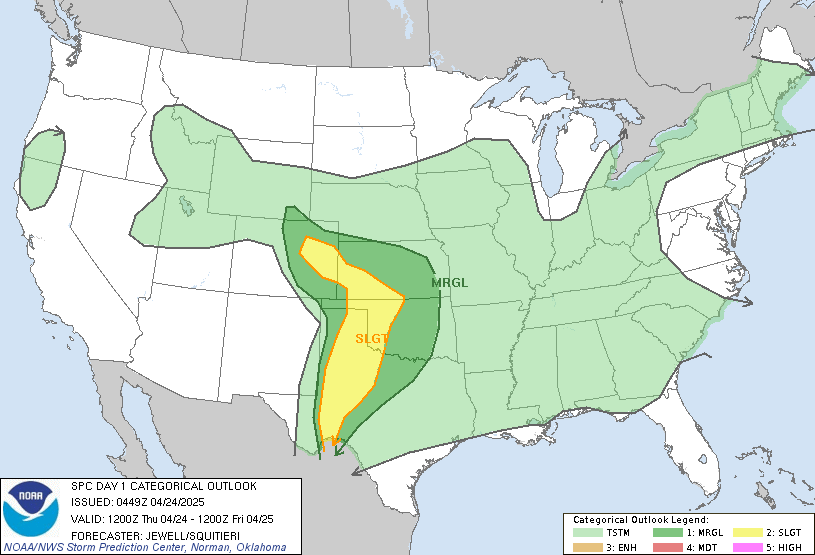
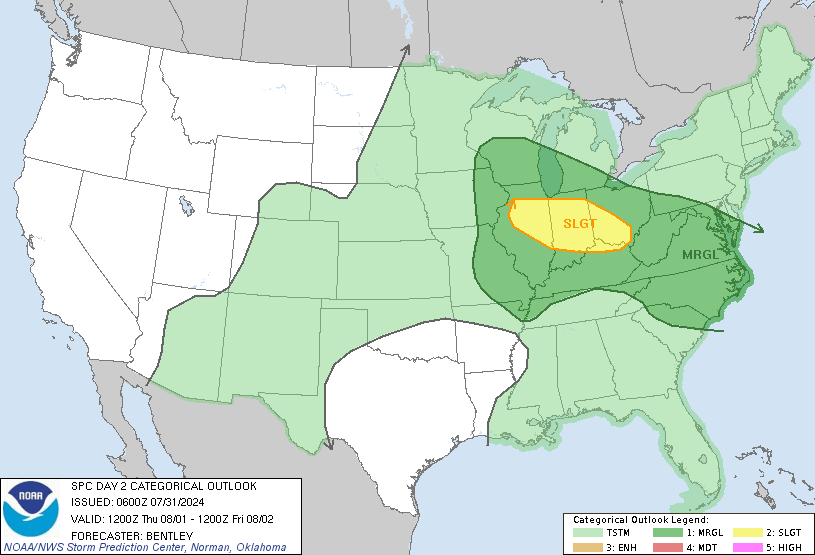
http://www.spc.noaa.gov/products/outlook/day2otlk.gif
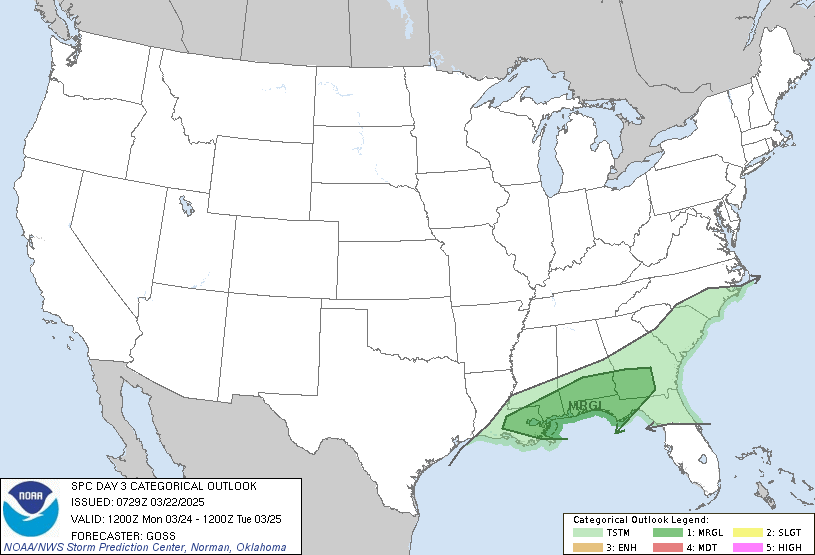
http://www.spc.noaa.gov/products/outlook/day3otlk.gif
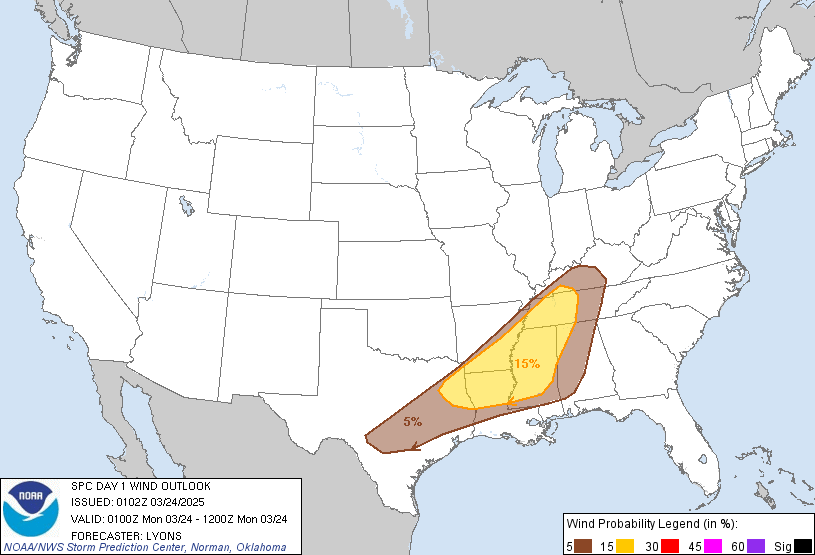
http://www.spc.noaa.gov/products/outloo ... k_wind.gif
http://www.spc.noaa.gov/products/outloo ... k_torn.gif
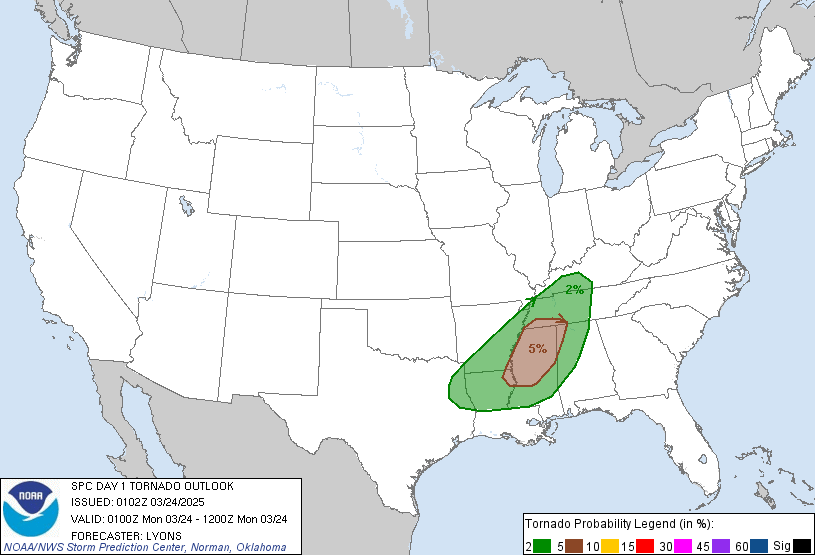
Dave G
-
Jachym
- Site Admin
- Posts: 1686
- Joined: Fri Aug 18, 2017 10:12 pm
- Location: Brno, Czech Republic
- Station model: WH1080
- Software: Meteobridge
- Contact:
Re: SPC block issue
Looks like NOAA/NWS are changing all their pages.... Im 100% sure that URL worked I would not make it up
-
dmgould
- Forecaster
- Posts: 173
- Joined: Sat Aug 26, 2017 2:43 am
- Location: Divide, Colorado, USA
- Station model: Davis Pro 2 Plus Wireless
- Software: Meteobridge
- Contact:
Re: SPC block issue
Yes, it seems NWS has caused problems a number of places in MT. We'll all keep looking for the issues they are causing and possible solutions we might find. Thanks Jachym.
Dave G
-
Jachym
- Site Admin
- Posts: 1686
- Joined: Fri Aug 18, 2017 10:12 pm
- Location: Brno, Czech Republic
- Station model: WH1080
- Software: Meteobridge
- Contact:
Re: SPC block issue
The problem is that:
1. they made no announcement of this anywhere in advance
2. they are still making changes so fixing it at this point is useless, it might break again
1. they made no announcement of this anywhere in advance
2. they are still making changes so fixing it at this point is useless, it might break again
-
stefanbagnato
- Observer
- Posts: 30
- Joined: Sun Aug 20, 2017 9:35 pm
- Location: Raleigh, NC
- Station model: Davis Vantage Pro 2
- Software: Meteotemplate
- Contact:
Re: SPC block issue
Did they stop making the changes yet? Just wondering if anybody else is still having issues, as my blocks still do not work.
-
dmgould
- Forecaster
- Posts: 173
- Joined: Sat Aug 26, 2017 2:43 am
- Location: Divide, Colorado, USA
- Station model: Davis Pro 2 Plus Wireless
- Software: Meteobridge
- Contact:
Re: SPC block issue
This block works sometimes, but most of the time no longer works. If you go to the NWS SPC site the maps are there and they display property. There is something in the block code that adds information to the URL that makes the image break. I haven't been able to follow exactly what that extra information does. When that info is left off of the URL in the code the map works.
http://www.spc.noaa.gov/products/outloo ... k_1630.gif
or other SPC maps are here:
http://www.spc.noaa.gov/misc/climograph ... re/079.png
http://www.spc.noaa.gov/misc/climograph ... rn/079.png
http://www.spc.noaa.gov/misc/climograph ... nd/079.png
http://www.spc.noaa.gov/misc/climograph ... il/079.png
http://www.spc.noaa.gov/products/outloo ... k_1630.gif
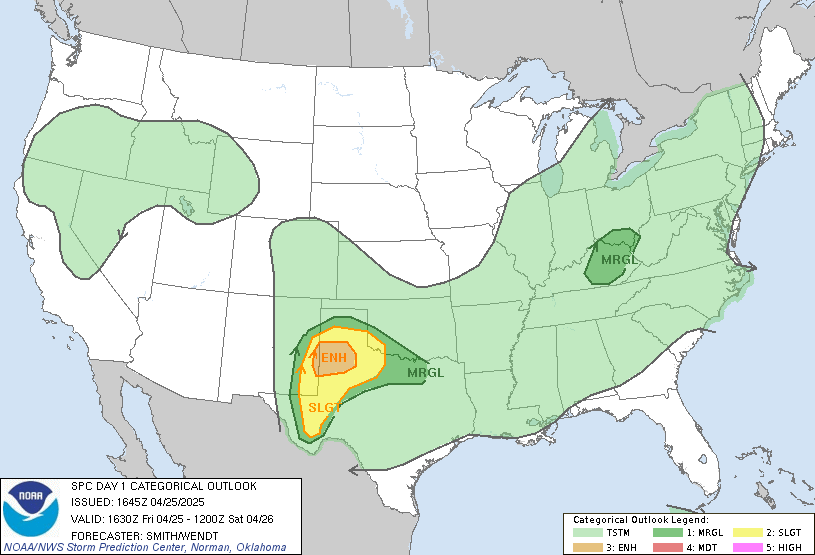
or other SPC maps are here:
http://www.spc.noaa.gov/misc/climograph ... re/079.png

http://www.spc.noaa.gov/misc/climograph ... rn/079.png

http://www.spc.noaa.gov/misc/climograph ... nd/079.png

http://www.spc.noaa.gov/misc/climograph ... il/079.png

Dave G
-
stefanbagnato
- Observer
- Posts: 30
- Joined: Sun Aug 20, 2017 9:35 pm
- Location: Raleigh, NC
- Station model: Davis Vantage Pro 2
- Software: Meteotemplate
- Contact:
Re: SPC block issue
Hm, I get server not found when I try to access those URL's. In fact, when I try to access the SPC website through weather.gov, I get the same thing. Between this block and the other NWS blocks, NWS really messed up what Jachym has created.