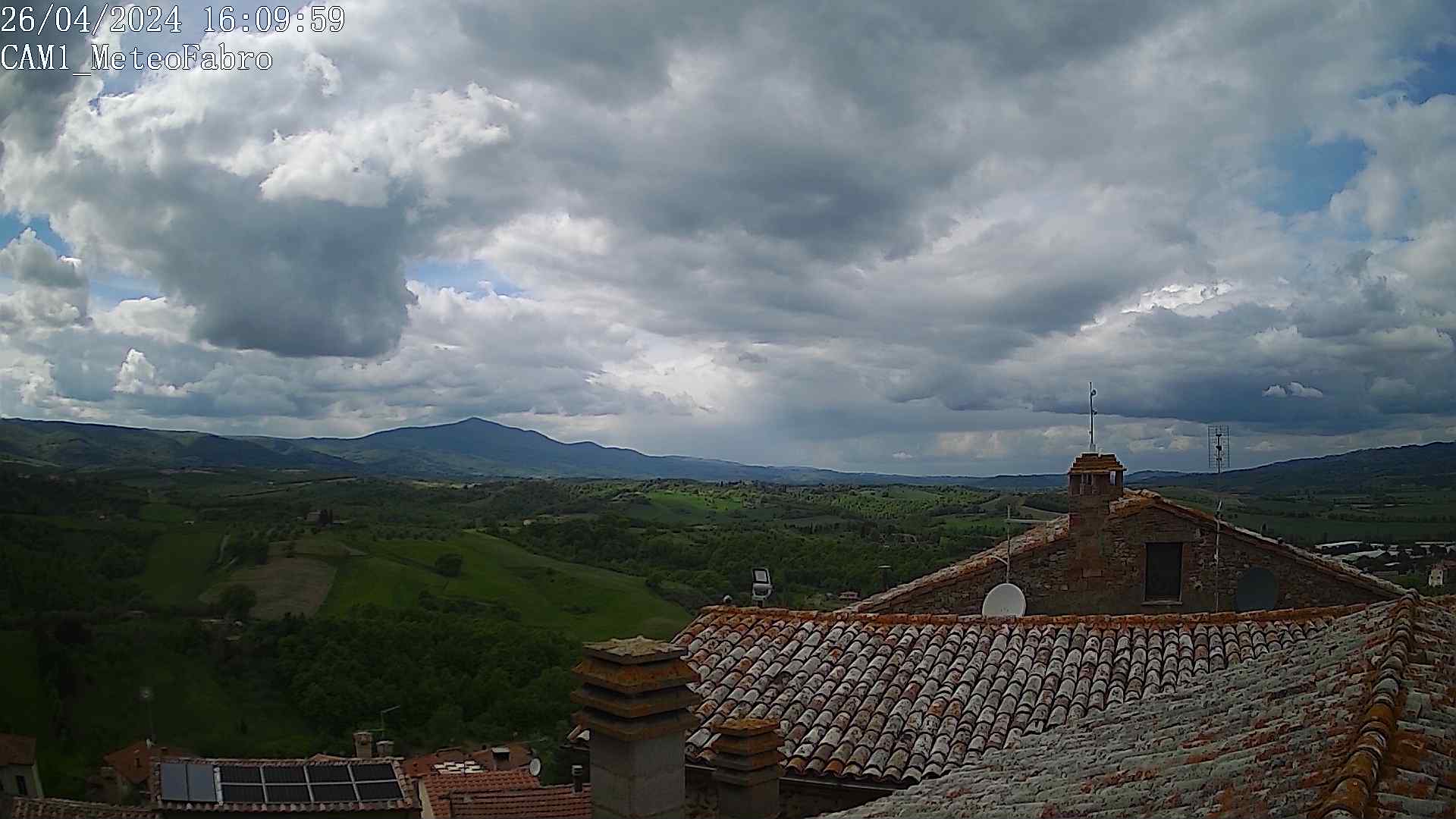
I purchased an IP CAM WanScam HW-0022, and I insert the various snapshots inside the directory (/ photo) with a single file name (/photo/photo.jpg), and this is where the problem arises.
Every time I call my site (http://meteofabro.it) the image of the cam is in the block of the home page and in the plugin it remains in the browser cache, and therefore the image is old.
After 10 minutes and following calls, return with the current date and time.
How can I solve the thing? and because after 10 minutes the image regenerates without problems?
Is it possible to correct the code?
Image webcam old in webcam block and plugin
-
Meteofabro

- Observer

- Posts: 41
- Joined: Wed Aug 23, 2017 5:20 pm
- Location: Fabro
- Station model: Davis Vantage Vue
- Software: Meteobridge RED PRO
- Contact:
-
Jachym

- Site Admin

- Posts: 1686
- Joined: Fri Aug 18, 2017 10:12 pm
- Location: Brno, Czech Republic
- Station model: WH1080
- Software: Meteobridge
- Contact:
Re: Image webcam old in webcam block and plugin
What is the URL of the webcam you used? The block has some mechanisms for preventing this, but your image must not have any parameters in the URL already
-
Meteofabro
- Observer
- Posts: 41
- Joined: Wed Aug 23, 2017 5:20 pm
- Location: Fabro
- Station model: Davis Vantage Vue
- Software: Meteobridge RED PRO
- Contact:
-
andyk1
- Professional

- Posts: 433
- Joined: Tue Feb 27, 2018 10:56 pm
- Location: OKLAHOMA, USA
- Station model: Ecowitt WS90
- Software: Meteobridge/GW2000B
- Contact:
Re: Image webcam old in webcam block and plugin
Hello!!!
Not really seeing you're problem as it may have been solved as I see a new image when looking at your site. I know this may be false as an image would regenerate with an older one. If you haven't yet check the webcam block and plugin for the correct settings. Also are you using meteobridge to feed or? as I can't tell what weather array you are using. Is FTP and you're cron job set correctly? More information is needed.
Andy
Not really seeing you're problem as it may have been solved as I see a new image when looking at your site. I know this may be false as an image would regenerate with an older one. If you haven't yet check the webcam block and plugin for the correct settings. Also are you using meteobridge to feed or? as I can't tell what weather array you are using. Is FTP and you're cron job set correctly? More information is needed.
Andy
-
Meteofabro
- Observer
- Posts: 41
- Joined: Wed Aug 23, 2017 5:20 pm
- Location: Fabro
- Station model: Davis Vantage Vue
- Software: Meteobridge RED PRO
- Contact:
Re: Image webcam old in webcam block and plugin
For the webcam block I solved by putting a direct link. but for the webcam plugin it still does not work for the preview of the image, and that is the plugin works and saves the images, but the initial preview displays an image of a few days ago.
I think it's enough to insert as you already did a random number at the end of the link:
x = Math.round (Math.random () * 10000;
newURL <? php echo $ i?> = newURL <? php echo $ i?> + "& randomize =" + x;
It's right?
I think it's enough to insert as you already did a random number at the end of the link:
x = Math.round (Math.random () * 10000;
newURL <? php echo $ i?> = newURL <? php echo $ i?> + "& randomize =" + x;
It's right?
-
Meteofabro
- Observer
- Posts: 41
- Joined: Wed Aug 23, 2017 5:20 pm
- Location: Fabro
- Station model: Davis Vantage Vue
- Software: Meteobridge RED PRO
- Contact:
Re: Image webcam old in webcam block and plugin
As mentioned on the block I inserted a direct link to the webcam. For the plugin instead I have to display the image deposited every 5 minutes in my site.
The link I use is this:
http://meteofabro.altervista.org/mfwebc ... /photo.jpg
It works for loading images every 20 minutes, but the image of the preview that is next to the calendar is the old one loaded from the first view and not the last one.
http://meteofabro.altervista.org//plugi ... /index.php
the photo.jpg file is generated by the Weather Display software every 5 minutes and uploaded directly to FTP on my site.
How can I solve this problem?
The link I use is this:
http://meteofabro.altervista.org/mfwebc ... /photo.jpg
It works for loading images every 20 minutes, but the image of the preview that is next to the calendar is the old one loaded from the first view and not the last one.
http://meteofabro.altervista.org//plugi ... /index.php
the photo.jpg file is generated by the Weather Display software every 5 minutes and uploaded directly to FTP on my site.
How can I solve this problem?
- Attachments
-
- 2018-12-23 11_33_22-MeteoFabro.png (675.72 KiB) Viewed 5575 times