Hello,
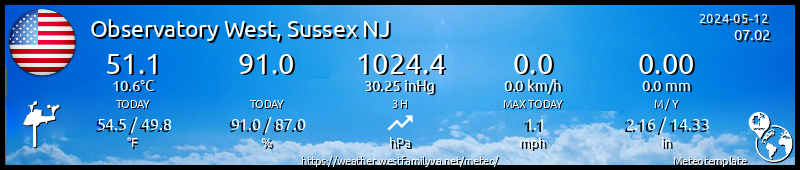
I have everything set up, and even managed to create a custom block by making a copy of and modifying the webcam block to show maps. When I first installed Meteotemplate, I picked a name for my site, but now want to change it. I found in "main setup" where I can change it, but that only changes the name of the page, but not the name shown on the banner, if that makes sence. In the attached, I want it to say "Observatory West", not "West Observatory". How do I get the name changed so it shows properly on the banner?
Thanks
Mike
http://weather.westfamilynj.net/meteo
Change name of page
-
MJW
- Advisor

- Posts: 60
- Joined: Sun Dec 24, 2017 2:22 pm
- Station model: AW WS-2000ish
- Software: Meteobridge/OIP/GW-1000
- Contact:
Re: Change name of page
I just realized I posted this in the wrong area, I meant for it to be in the template area itself, not in the block area. Sorry.
- Dehatter
- Professional

- Posts: 350
- Joined: Sun Jan 07, 2018 5:11 am
- Location: Matthews, NC, USA
- Station model: Ecowitt WH80
- Software: Ecowitt GW1000
- Contact:
Re: Change name of page
From the administration selection gear, if you pick Main Setup, then go almost to the bottom of the page. This is where it changes for me (and don't forget to click save at the very bottom). I hope it helps you.
- Attachments
-
- setup.jpg (446.84 KiB) Viewed 4216 times