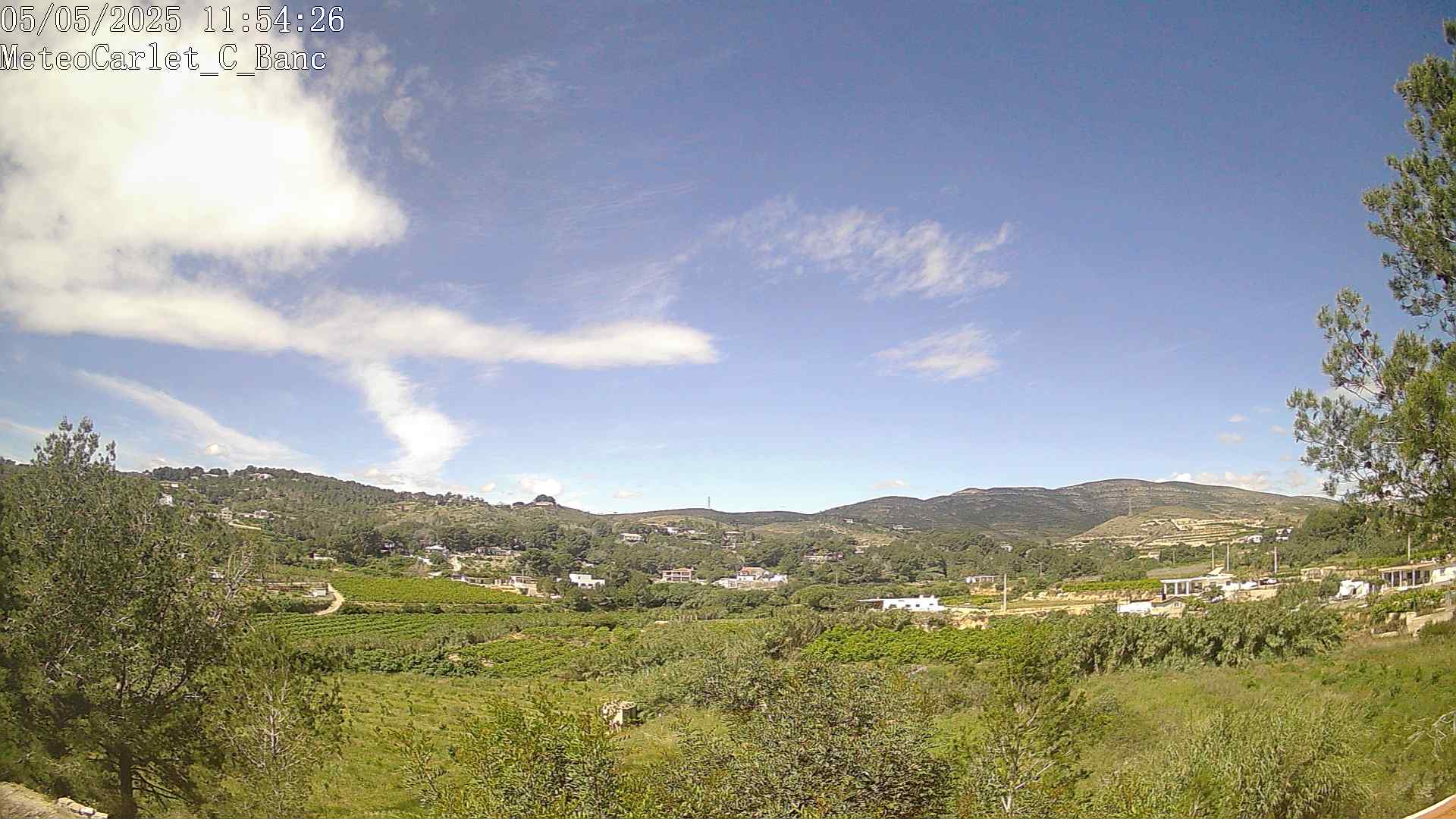
Not sure why the cron is reporting that settings file is missing, as it seems present to me.
But I think the configuration is not correct ( I can see from the url of the broken image shown under the date ).
One thing a time:
- please install the attached plugin, it is already configured with your data, so no need to run the setup ( for the moment ).
- check that the plugins/webcam and subdirectories have the 'right permissions' ( it depends on your server, it could be 0644, but could be different )
- execute the updateWebcam.php script directly in the plugins/webcam directory ( insert your password )
https://meteo-galargues.fr/plugins/webc ... E_PASSWORD
The result should be similar to this one:

- webcam02.png (15.81 KiB) Viewed 81321 times
you should now have an image in the images folder and you should be able to select day 10 from the calendar in index.php.
Wait 5 minutes and rerun the updateWebcam.php ( from the above link ), you should have the second image...
If everything is correct you can copy the updateWebcam.php script in the load/crons directory and ( hopefully ) your plugin should work as expected.

 Good morning,